

 Comparison
A Macabacus alternative when the gap is judgement,not keystrokes.
Macabacus is a strong Excel productivity suite. It makes a model faster and cleaner. It does not tell you whether the deal is worth doing. PE Simulator trains the decision layer that sits on top of the spreadsheet.
At a glance
Desks
Practice arenas
AI advisors
7-day
Free trial
What a simulator adds on top of a faster spreadsheet
Add-ins remove friction inside a file. A simulator supplies the thing a file cannot: a counterparty, a clock, and consequences for the assumption you picked.
A case, not a file
Nine desks carry one deal from sourcing to exit, so the model is judged by the story it has to support.
Consequences downstream
A generous growth assumption reappears at exit. That feedback loop does not exist inside a formatting toolbar.
Advisor review
Specialist AIs challenge the call before you commit. See the AI advisors overview.
Timed arenas
Paper LBO and screening drills are graded against the clock, which is how the skill is actually tested.
Written judgement
Memos sit beside the numbers, because committees buy the argument rather than the workbook.
Practice record
Scores accumulate, so you can see which step keeps costing you time.
Free desks to start
Six calculators and challenges are free with no signup. Start with the free tools.
SUPERSIM / PREVIEW
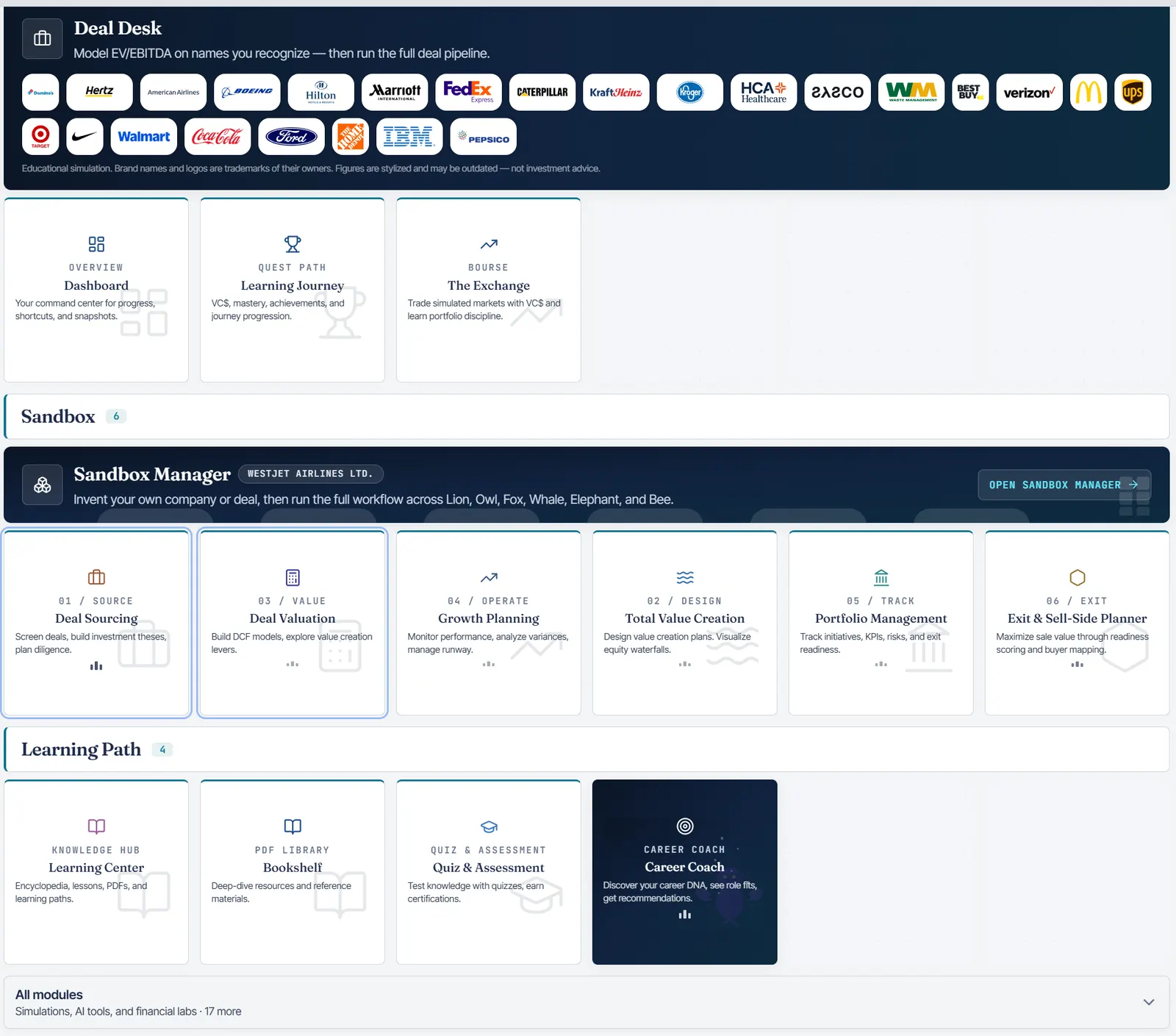
Excel productivity add-in vs PE Super Simulator
These are complementary products. The table shows where each one earns its keep.
| Feature | PE Super Simulator | Excel productivity add-in |
|---|---|---|
| Spreadsheet formatting and audit speed | No | Yes |
| PowerPoint and Excel linking | No | Yes |
| Integrated PE lifecycle sandbox | Yes | No |
| AI specialist assistants bundled | Yes | No |
| Timed graded practice | Yes | No |
| No-signup demo | Yes | Partial |
| Runs in the browser with no install | Yes | No |
Spreadsheet formatting and audit speed
PE Simulator
Excel productivity add-in
PowerPoint and Excel linking
PE Simulator
Excel productivity add-in
Integrated PE lifecycle sandbox
PE Simulator
Excel productivity add-in
AI specialist assistants bundled
PE Simulator
Excel productivity add-in
Timed graded practice
PE Simulator
Excel productivity add-in
No-signup demo
PE Simulator
Excel productivity add-in
Runs in the browser with no install
PE Simulator
Excel productivity add-in
Feature sets change. Treat this as directional and confirm current capabilities on the provider page before you buy.
When to buy which one
Most practitioners eventually own both. The order depends on what is slowing you down.
You already work on live deals and lose hours to formatting, cross-file links, and audit checks. Productivity tooling pays for itself immediately in that setting.
Common questions
Faster models are good. Better calls are worth more.
Practise the decision layer on one connected deal, then take that discipline back into your spreadsheets.
7-DAY TRIAL · CANCEL ANYTIME · STRIPE CHECKOUT